



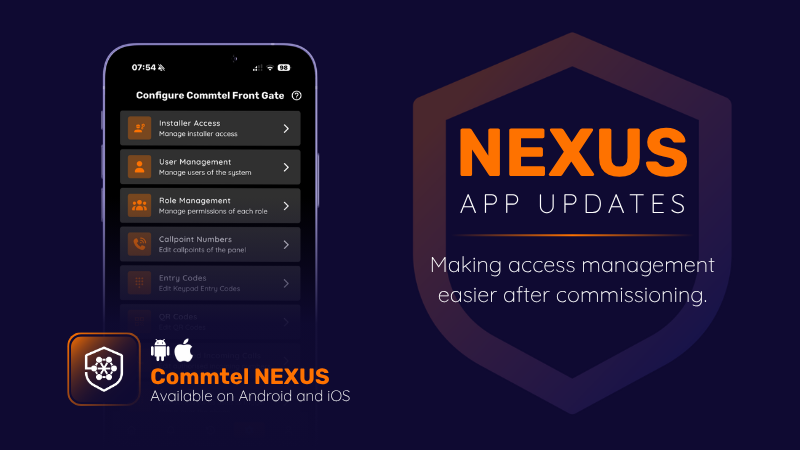
A look at the latest NX features designed to make access management easier after commissioning.
Getting a system live is only part of the job. What often creates work later is managing the changes that happen afterwards.
A contractor needs access for a few days.
A delivery company requires temporary entry.
A site manager wants to know who opened a gate after hours.
Access requirements rarely stay still for long.
The latest NX updates focus on the practical tasks that continue long after commissioning, helping administrators manage access, investigate events and adapt system behaviour without creating additional site visits.
Another Way to Grant Access
Not everyone who needs access requires a permanent PIN.
Sometimes access is needed for a few hours. Sometimes for a few days. Sometimes it only needs to work once.
The NX1 and NX250 now support QR code access alongside keypad codes.
Users can present a QR code to the panel camera and gain entry without needing a permanent credential. QR codes can be sent digitally, displayed on a smartphone or printed for use on site.
For contractors, visitors, temporary staff and deliveries, that means access can be issued remotely without creating another code that somebody needs to remember to remove later.
Importantly, scheduling, expiry settings and user administration for QR codes follow the same approach as PIN codes, helping keep day-to-day administration consistent.
When Somebody Asks, “Who Opened the Gate?”
Most access questions aren’t asked at the moment an event happens. They usually come afterwards.
A gate was opened unexpectedly.
A barrier operated outside normal hours.
Someone wants to know how access was granted.
Finding the answer is easier when the system provides context.
QR code activity now appears within the activity log in the Commtel NEXUS app, making it clear how entry was achieved.
The NX IP intercoms can also generate event-triggered recordings and link them directly to the corresponding activity log entry.
Instead of reviewing a log and trying to piece together what happened, administrators can view the recorded event alongside the activity that triggered it.
Whether the question is how access was granted, whether a trade button was used, or what happened immediately before an event occurred, the information is available in one place.
Adjusting Behaviour to Suit the Site
Not every site operates in exactly the same way.
A residential development, commercial premises and industrial site may all have different expectations around access and visitor management.
Several updates now provide greater control over how the system behaves day to day.
Maximum call duration can be configured, allowing installers to define how long calls remain active before ending automatically.
This can be useful on busy sites where calls are occasionally left connected longer than intended, helping ensure the system remains available for the next visitor.
Event recordings can also be enabled individually, allowing sites to capture the events that matter without creating recordings for every activity.
Built Around What Happens After Handover
Contractors needing access, visitors coming and going, and questions about who opened a gate are all part of managing a live site.
The latest NX updates focus on the tasks that happen during that operational life of the system.
Issuing temporary access.
Understanding how entry was granted.
Adjusting behaviour as site requirements change.